Who and how they are doing
The traveller's name and a status chip: active, late, arrived or ended.
Here is exactly what that means: what you will see, what you will be told, and how little you have to do.
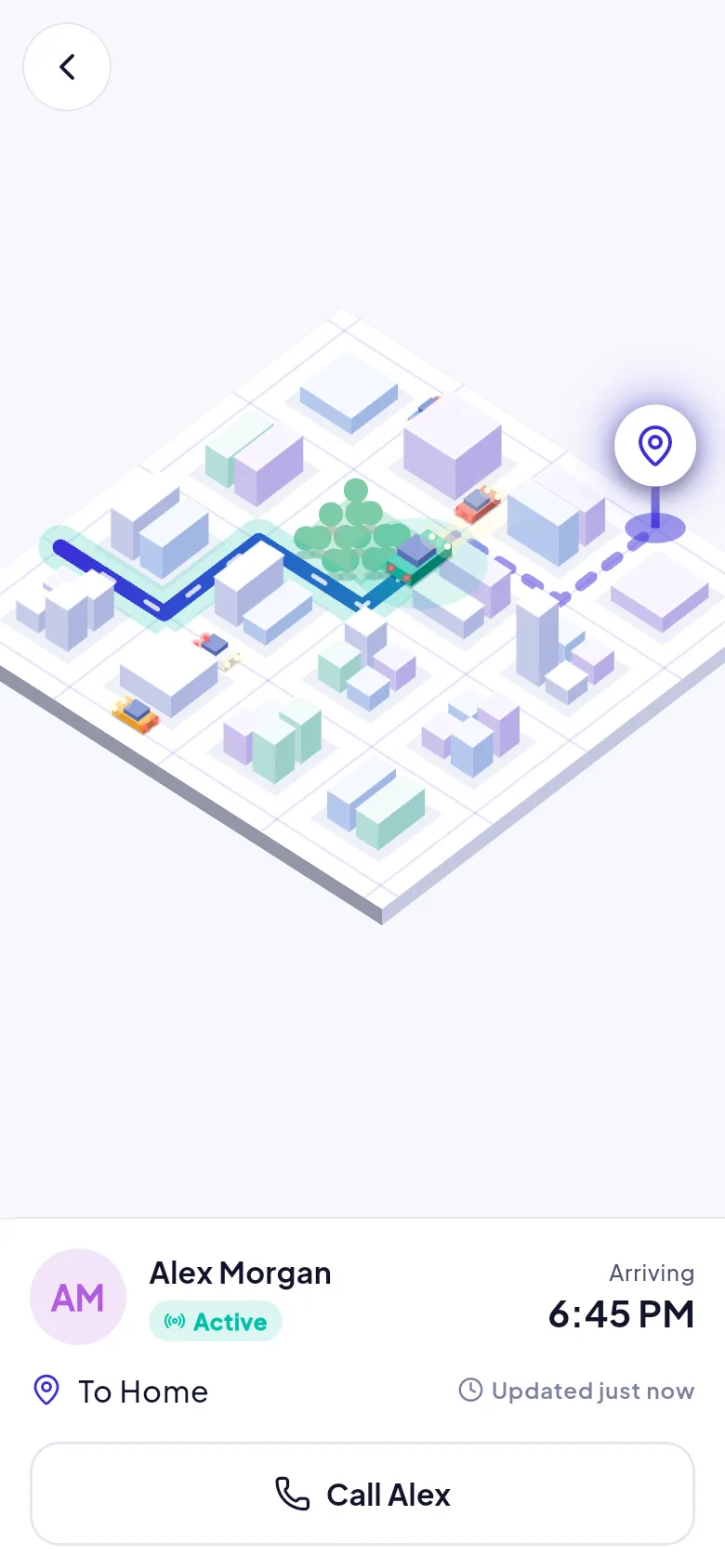
The traveller's name and a status chip: active, late, arrived or ended.
The expected arrival and a label showing when their location was last updated.
Their route and position, only while the journey is in progress.
One tap to call, especially useful if a journey becomes overdue.
Four steps, about a minute.
The traveller shares an 8-character invite code with you, like ABCD-2345, or Arrivo emails you an invitation.
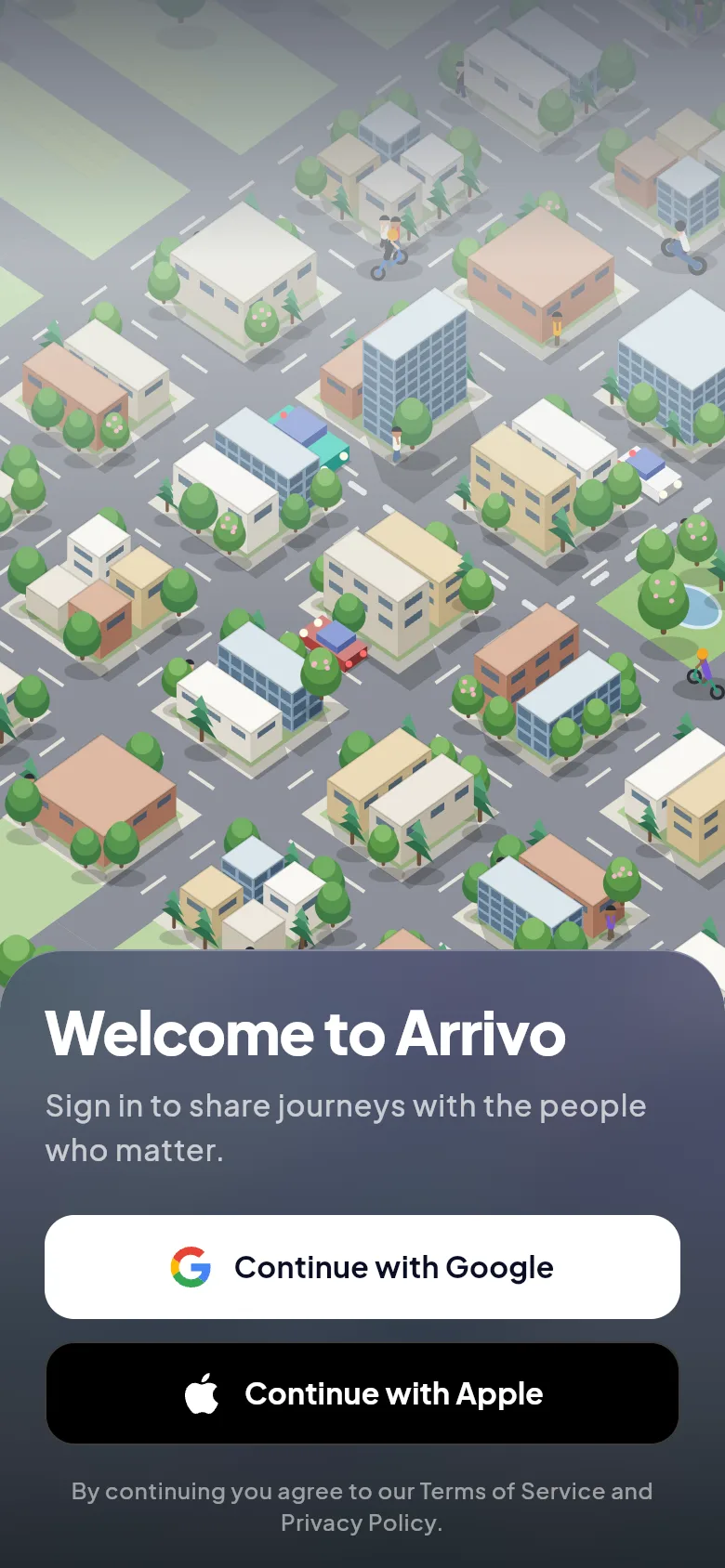
Download Arrivo and sign in with Google or Apple. If you were invited by email, the invitation is already waiting for you.
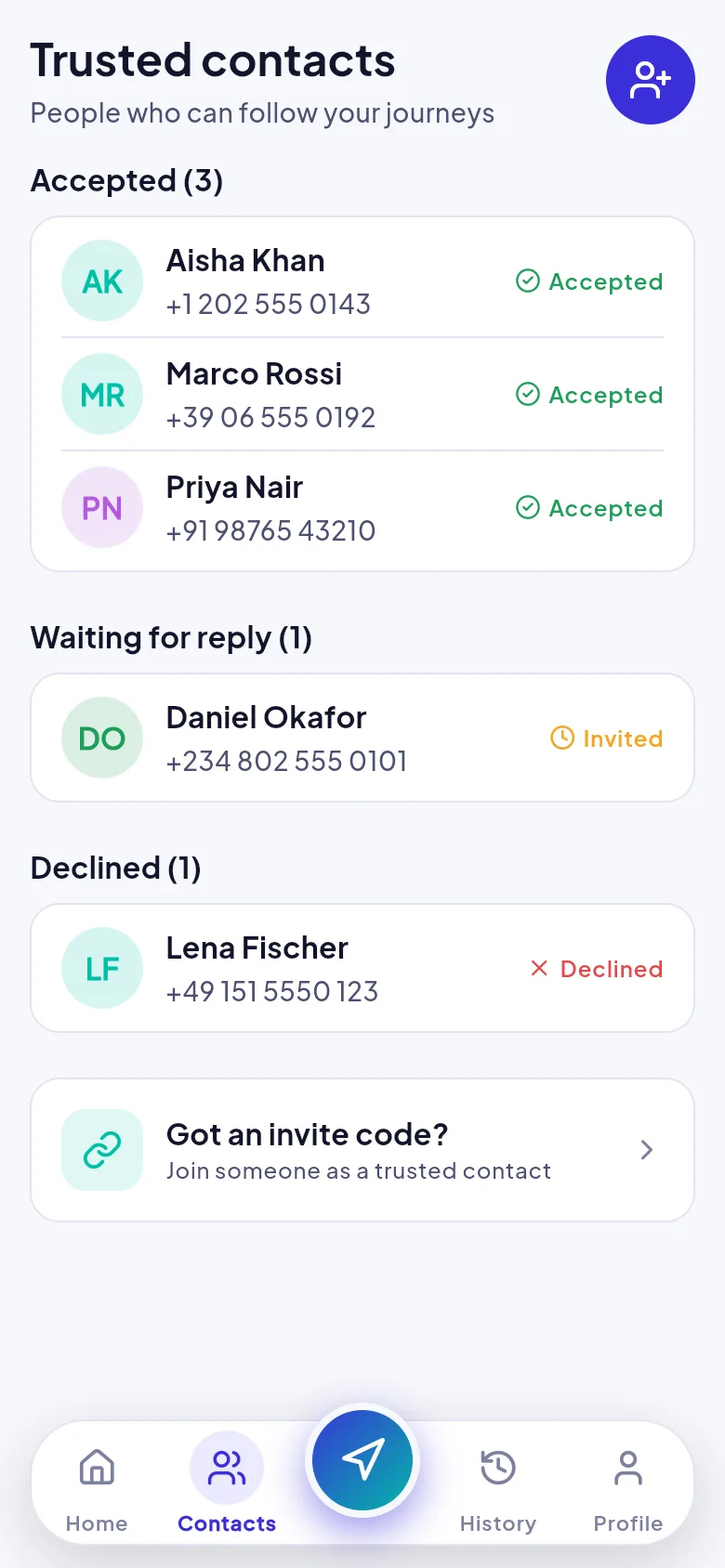
Open Contacts, tap Got an invite code? and type the code in.
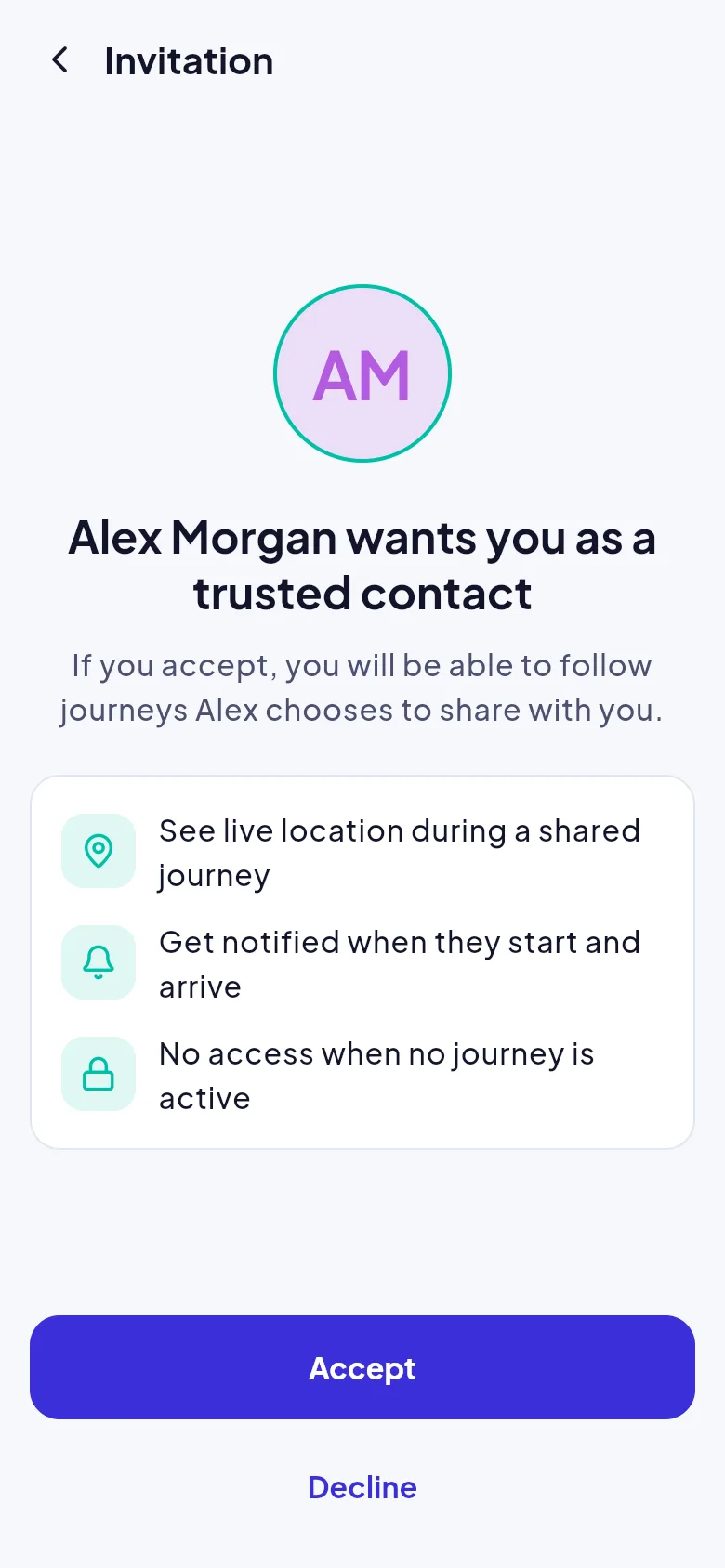
You see who invited you and exactly what you will see: live location during a shared journey, alerts when they start and arrive, and nothing when no journey is active. Tap Accept or Decline.
The traveller can send a link that opens a read-only view in your browser. It shows their first name, status, destination and last location, and it stops working shortly after the journey ends.
Install Arrivo if you want to follow trips regularly, receive alerts inside the app, or share your own journeys.
Install the app, enter your invite code and accept.