Email support
[PLACEHOLDER: support email]
Find a quick fix below, or reach out. We read every message.
[PLACEHOLDER: support email]
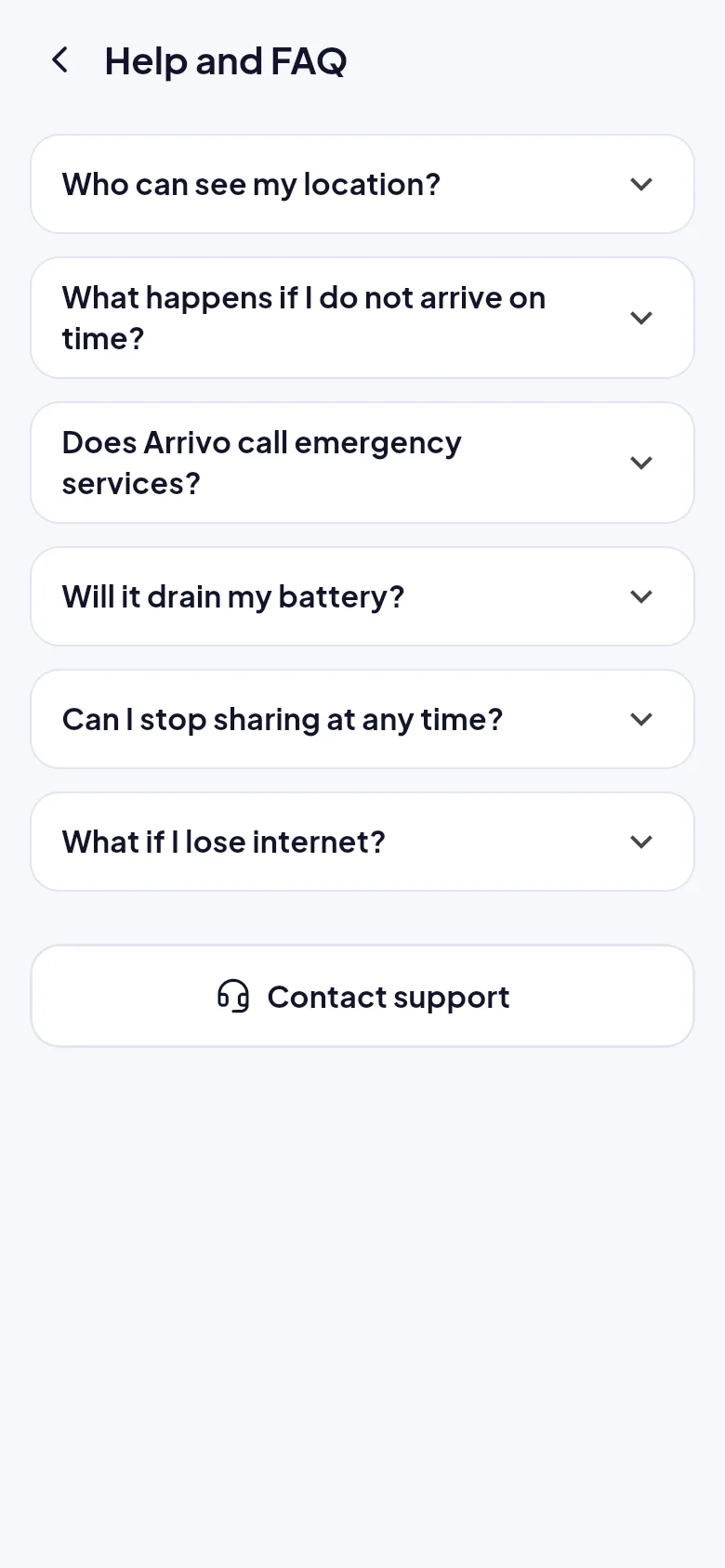
Open Profile, then Help and FAQ, then Report a problem. It sends diagnostics without any location.
Quick answers on privacy, safety and battery.
Open the FAQTry these first.
Allow location for Arrivo and turn off battery optimisation for the app. Some phone makers stop background apps to save power.
Check all 8 characters, make sure you are signed in, and remember a code can only be used by one person.
Alerts appear inside Arrivo and refresh every 15 seconds while it is open. Push alerts to a closed phone are in development.
Preview builds can show a built-in demo city. The live map needs the Google Maps key to be set up in the build.