Honest status
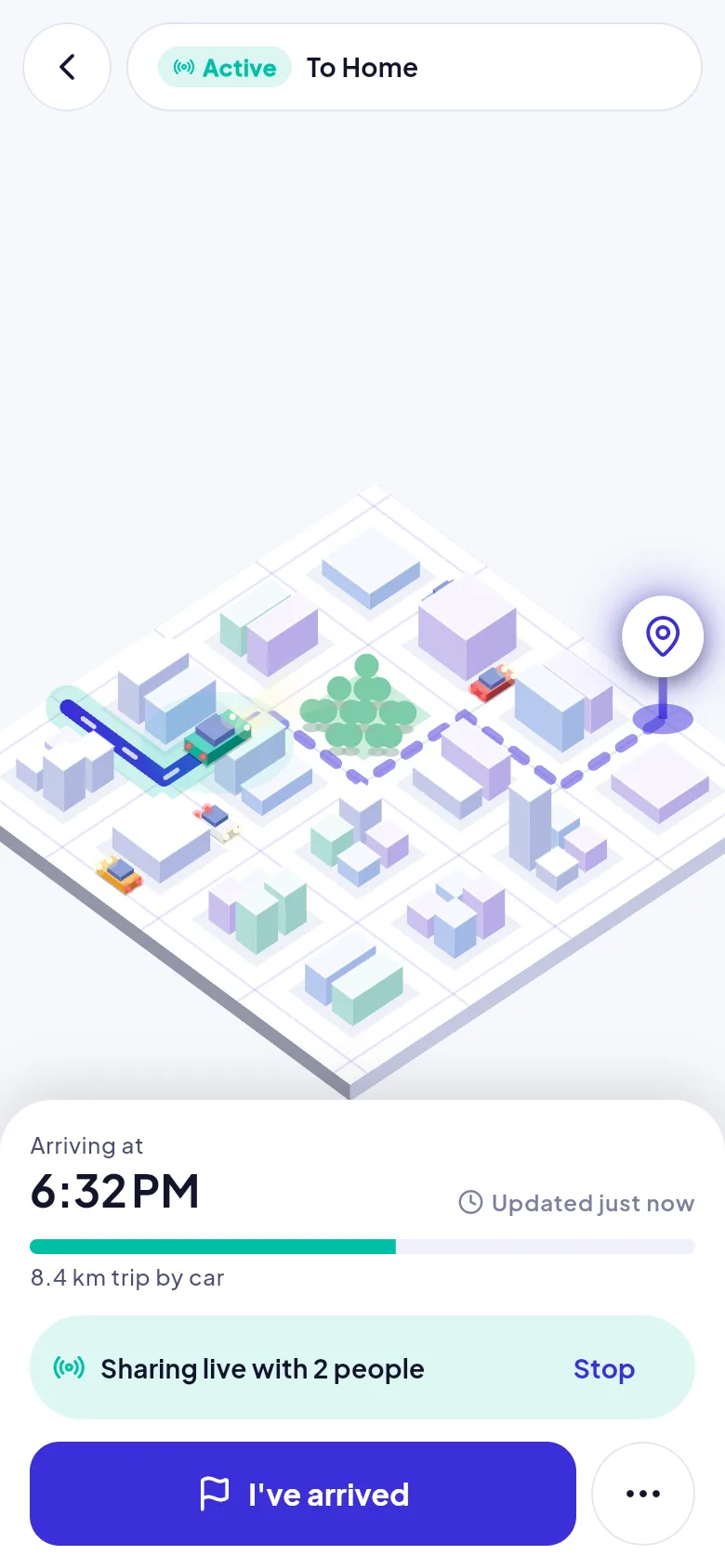
Stale, offline, paused and permission-denied states are shown, never hidden. Arrivo never implies sharing works when it does not.
Arrivo is calm by design. It tells the truth about what it knows, checks on you before it alerts anyone, and leaves decisions to you and your people.
Stale, offline, paused and permission-denied states are shown, never hidden. Arrivo never implies sharing works when it does not.
Pause or stop sharing in one or two taps, and see who can view your journey at any time.
A short, plain reason appears before every permission prompt, and location is requested only when you start a journey.
Notification text never contains coordinates, so nothing sensitive shows on a lock screen.
Timings are defaults and may change before launch.
| When | What happens | Who is told |
|---|---|---|
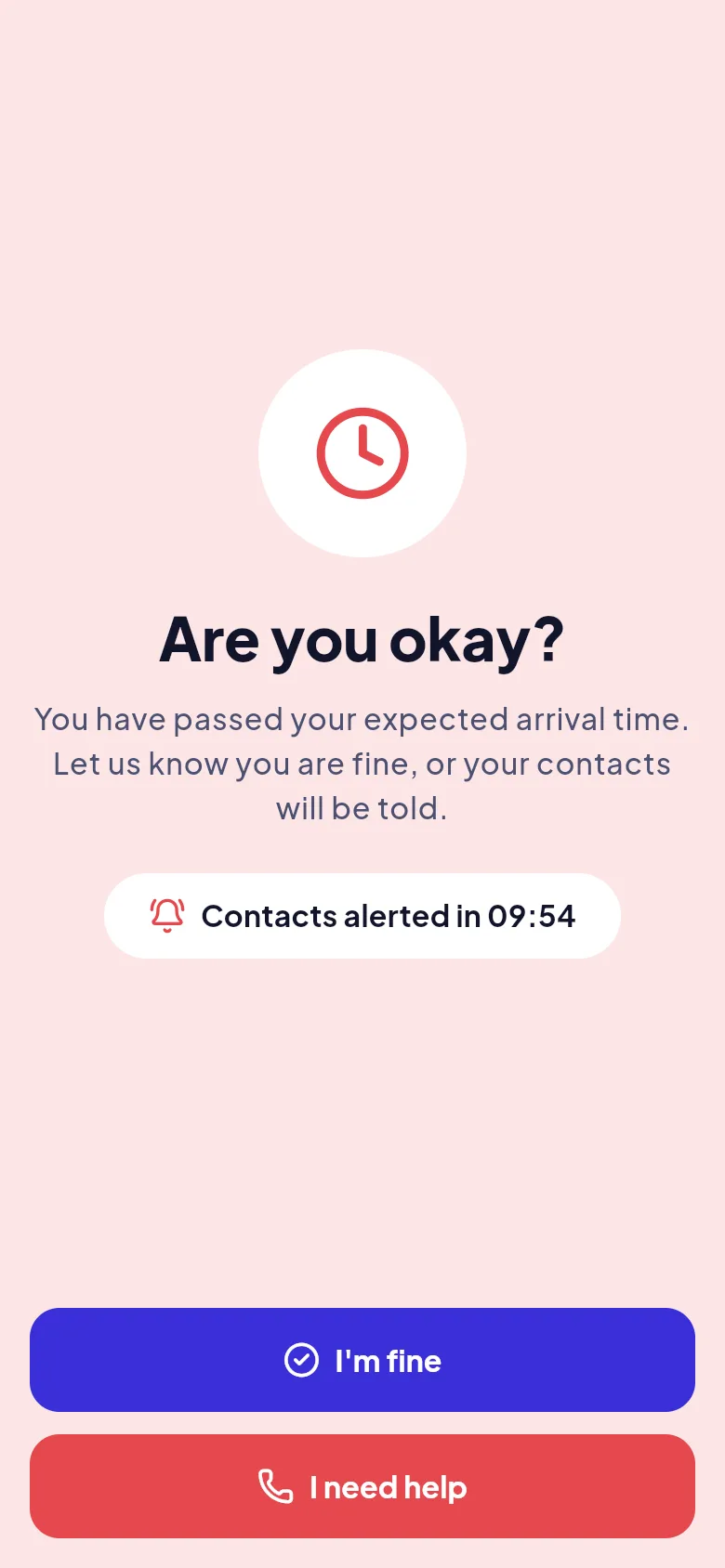
| Your expected arrival time passes | Arrivo asks: Are you okay? Have you arrived? You answer with one tap. | Only you |
| No reply after the grace period (about 10 minutes by default) | The journey is marked Overdue | Your contacts, with your last known location and when it was recorded |
| Still no reply (about 20 minutes later by default) | A reminder is sent and contacts are shown how to call you | Your contacts |
| You tap I'm fine at any point | The overdue state clears | Your contacts are told you are okay |
| You tap I need help | Contacts are alerted straight away with your last location | Your contacts |
Real trips lose signal, run out of battery and change plans. Arrivo shows contacts exactly what is going on, so a quiet phone is never mistaken for a safe one, or for an emergency.
| If this happens | Arrivo does this |
|---|---|
| You lose internet | Keeps saving your location on the phone and uploads it in order when you reconnect. Contacts see when it was last updated. |
| Location permission is removed mid-journey | Warns you with a way to open settings. Contacts see that your location is unavailable. |
| Your battery gets very low | Reduces how often it updates, tells you, and sends a final location to your contacts. |
| The app is closed or the phone is off | The overdue check still runs on the server, so your contacts are not left guessing. |
| You pause or stop sharing | Contacts are told that sharing has stopped. |
| You remove a contact during a journey | Their access ends immediately. |
Available from the home screen at any time.
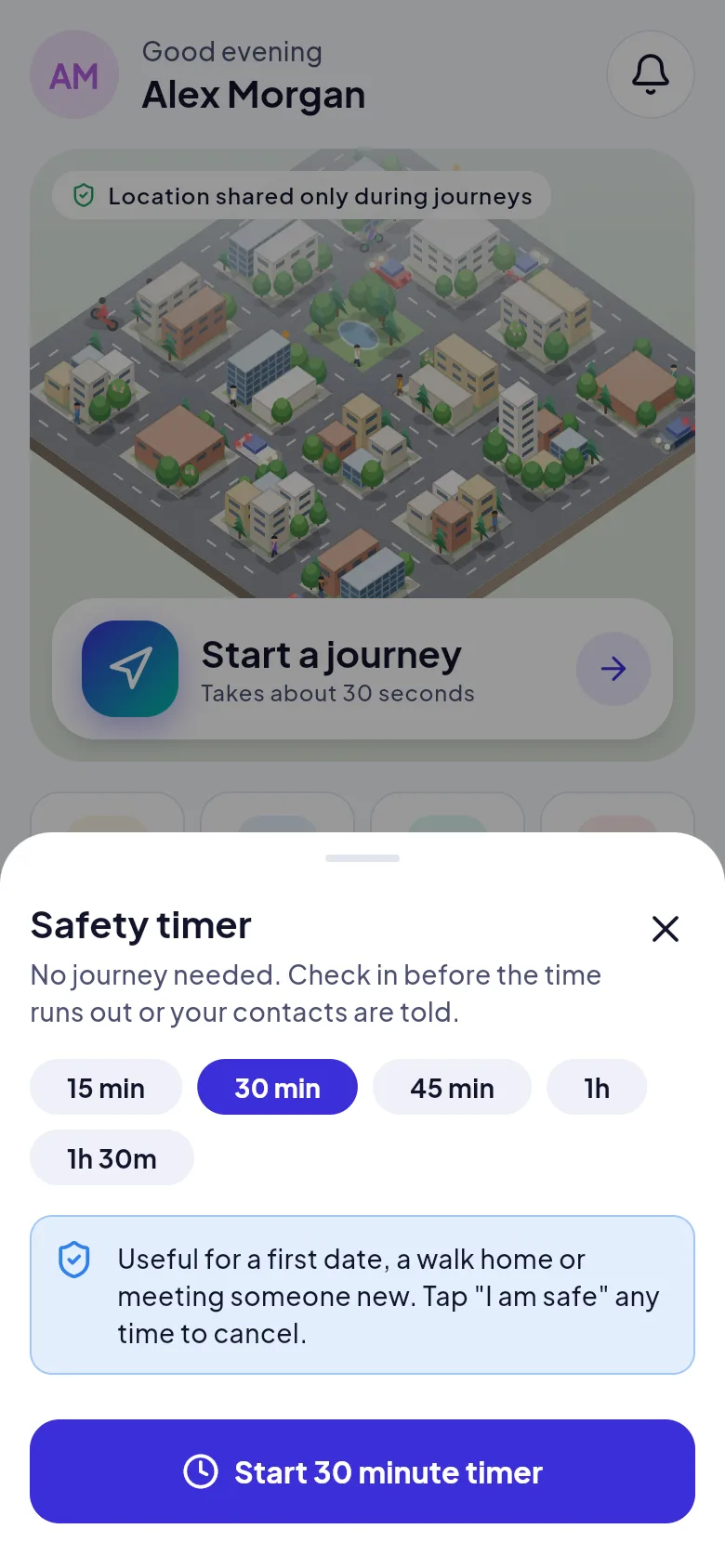
Pick 15 minutes to 1 hour 30 minutes. Tap I am safe before it ends, or your contacts are told.
For someone without the app: a read-only link that opens in a browser, shows no history or contacts, and stops 2 hours after your journey ends.
Press and hold for 1.5 seconds to alert your contacts straight away with your last location. Arrivo does not call emergency services, so call your local number first if you are in danger.
Walking home, meeting someone new, waiting for a late cab: start a safety timer. Tap I am safe before it ends and nothing happens. If time runs out, your contacts are told.
Share the journey. Celebrate the arrival.